

Best Image Compressor Tools 2026: Complete Guide to Optimizing Your Images
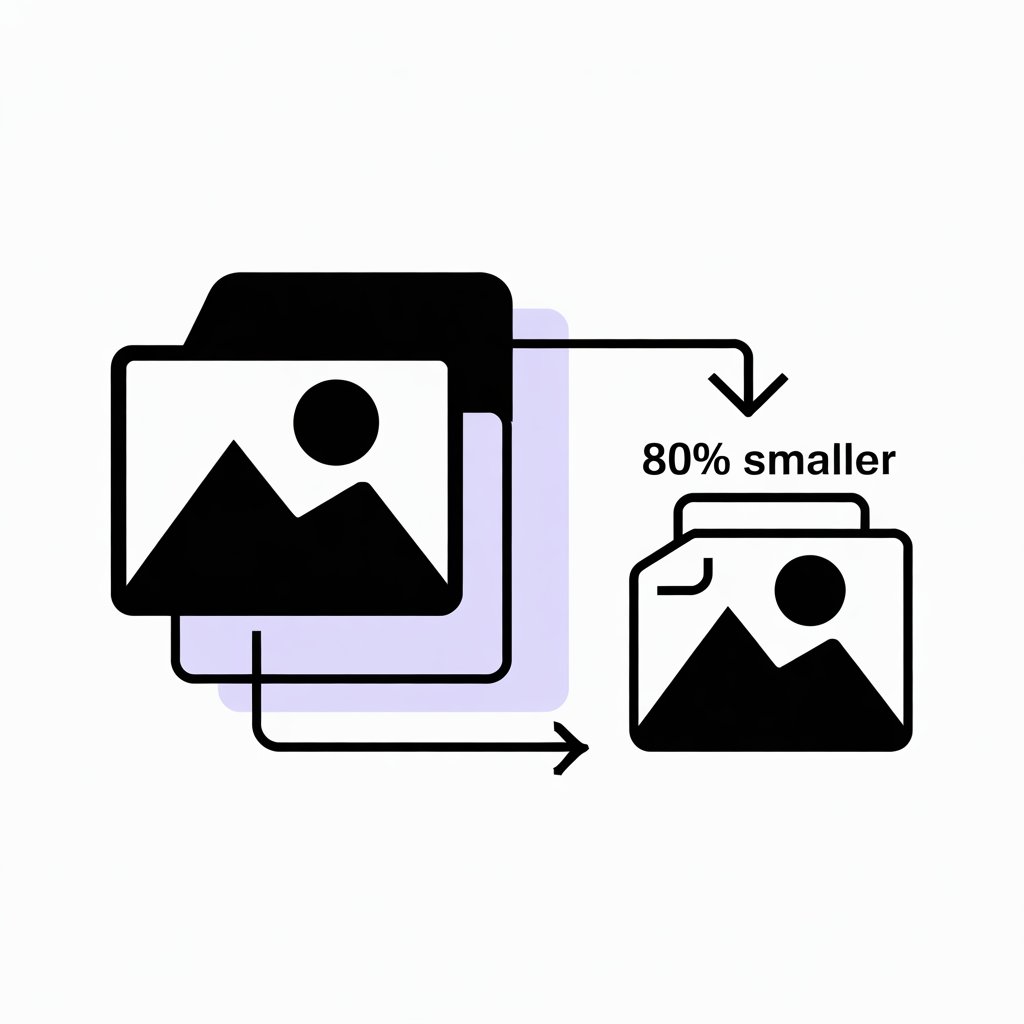
Image compression is crucial for website performance, user experience, and SEO rankings. In 2026, with visual content dominating the web, choosing the right image compressor can mean the difference between a lightning-fast site and one that drives visitors away. Large image files slow down page load times, consume bandwidth, and hurt your search engine rankings.
In this comprehensive guide, we'll explore the best image compression tools available, compare compression techniques, reveal optimization strategies used by professionals, and show you how to reduce file sizes by up to 90% without visible quality loss. Whether you're a web developer, blogger, or digital marketer, this guide will help you master image optimization. Try our free Image Compressor Tool for instant results!
📋 Table of Contents
🎯 Why Image Compression Matters in 2026
Images account for the majority of data transferred on most websites. Without proper compression, they can significantly impact your site's performance, user experience, and bottom line.
📊 Image Compression Impact Statistics
53%
Users abandon sites taking >3 seconds to load
70-90%
File size reduction possible with compression
65%
Of web page weight comes from images
+25%
Boost in conversions with faster load times
Key Benefits of Image Compression:
- Faster Load Times: Compressed images load instantly, improving user experience
- Reduced Bandwidth: Save hosting costs and data usage
- Better SEO Rankings: Google prioritizes fast-loading sites
- Improved Conversions: Faster sites convert better
- Mobile Optimization: Critical for mobile users on limited data plans
- Lower Storage Costs: Smaller files consume less server space
💡 Did You Know? A 1-second delay in page load time can reduce conversions by 7%, page views by 11%, and customer satisfaction by 16%. Image compression is one of the fastest ways to improve site speed.
🔧 Types of Image Compression
Understanding compression methods helps you choose the right tool and settings for your needs:
📉 Lossy Compression
What It Is: Permanently removes some image data to achieve smaller file sizes
How It Works:
- Discards non-essential pixel information
- Reduces color palette complexity
- Smooths gradients and subtle variations
- Achieves 70-90% file size reduction
Best For: Photographs, complex images, web graphics where small quality loss is acceptable
Formats: JPEG, WebP (lossy mode)
Pros: Massive file size reduction, still maintains good visual quality
Cons: Cannot recover original quality, visible artifacts at high compression
📊 Lossless Compression
What It Is: Reduces file size without any quality loss
How It Works:
- Removes redundant metadata
- Optimizes color tables
- Uses efficient encoding algorithms
- Achieves 20-40% file size reduction
Best For: Logos, icons, text-heavy images, graphics requiring pixel-perfect quality
Formats: PNG, WebP (lossless mode), GIF
Pros: Zero quality loss, perfect for graphics with transparency
Cons: Smaller compression ratios compared to lossy
⚡ Pro Tip: Use lossy compression for photos and complex images (JPEG/WebP), and lossless for logos, screenshots, and graphics with text or sharp edges (PNG/WebP).
🛠️ Top 10 Image Compressor Tools in 2026
Here are the most effective image compression tools, tested and ranked by performance, features, and ease of use:
1. Quick Tool Image Compressor
FREEBest For: Fast, privacy-focused compression without server uploads
✅ Key Features:
- 100% client-side processing (no uploads)
- Supports JPG, PNG, GIF
- Batch compression
- Real-time preview comparison
- Adjustable quality settings
- Unlimited free usage
Compression Rate: Up to 80%
Max File Size: 10MB per image
Speed: Instant (browser-based)
Privacy: ⭐⭐⭐⭐⭐ (5/5)
Verdict: Best free option for privacy-conscious users. Perfect for quick compression without compromising security.
2. TinyPNG / TinyJPG
FREEMIUMBest For: PNG and JPEG optimization with smart lossy compression
✅ Key Features:
- Advanced lossy compression algorithm
- Batch processing (up to 20 images)
- WordPress plugin available
- API access for automation
- Excellent quality preservation
Compression Rate: 50-80%
Max File Size: 5MB (free), unlimited (pro)
Free Limit: 500 images/month
Verdict: Industry-standard tool with excellent compression quality. Great for regular use.
3. Squoosh (Google)
FREEBest For: Advanced users who want granular control over compression settings
✅ Key Features:
- Multiple compression codecs (WebP, AVIF, MozJPEG)
- Side-by-side quality comparison
- Resize and optimize simultaneously
- Offline PWA support
- Open-source and transparent
Verdict: Best for developers and designers who need maximum control and latest formats.
4. Compressor.io
FREEBest For: Simple, no-signup compression with multiple format support
✅ Key Features:
- Supports JPG, PNG, GIF, SVG
- Lossy and lossless modes
- No registration required
- Clean, intuitive interface
Verdict: Great for quick one-off compressions without account creation.
5. ImageOptim (Mac)
FREEBest For: Mac users wanting desktop-based batch processing
✅ Key Features:
- Desktop application (offline)
- Batch optimization
- Removes EXIF metadata
- Lossless compression
- Drag-and-drop interface
Verdict: Best Mac-native tool for privacy and offline batch processing.
📊 Image Compressor Comparison Table
| Tool | Price | Max Size | Formats | Privacy | Best For |
|---|---|---|---|---|---|
| Quick Tool | Free | 10MB | JPG, PNG, GIF | ⭐⭐⭐⭐⭐ | Privacy-focused |
| TinyPNG | Free/Pro | 5MB/Unlimited | PNG, JPG | ⭐⭐⭐⭐ | Quality compression |
| Squoosh | Free | Unlimited | All formats | ⭐⭐⭐⭐⭐ | Advanced control |
| Compressor.io | Free | 10MB | JPG, PNG, GIF, SVG | ⭐⭐⭐⭐ | Quick compression |
| ImageOptim | Free | Unlimited | All formats | ⭐⭐⭐⭐⭐ | Mac batch processing |
📁 Choosing the Right Image Format
Different formats serve different purposes. Here's when to use each:
🖼️ JPEG / JPG
Best For: Photographs, complex images with many colors
Compression: Lossy
Pros: Excellent compression, universal support, small file sizes
Cons: No transparency, quality degrades with re-saves
Use When: Photos, banners, product images
🎨 PNG
Best For: Graphics with transparency, logos, text
Compression: Lossless
Pros: Transparency support, perfect quality, no artifacts
Cons: Larger file sizes than JPEG
Use When: Logos, icons, screenshots, graphics with text
🚀 WebP
Best For: Modern web images (best all-around format)
Compression: Both lossy and lossless
Pros: 25-35% smaller than JPEG/PNG, transparency, animation
Cons: Not supported in very old browsers
Use When: All web images (with JPEG/PNG fallback)
🎬 GIF
Best For: Simple animations only
Compression: Lossless (limited colors)
Pros: Animation support, universal compatibility
Cons: Limited to 256 colors, large file sizes
Use When: Simple animations (consider WebP or MP4 instead)
⚡ Impact on Web Performance
Image optimization directly affects Core Web Vitals and user experience:
📈 Performance Improvements with Compression
40-60%
Faster page load times
+15%
Increase in engagement
-50%
Bounce rate reduction
+20%
Conversion rate boost
Core Web Vitals Impact:
- LCP (Largest Contentful Paint): Optimized images load faster, improving LCP scores
- CLS (Cumulative Layout Shift): Properly sized images prevent layout shifts
- FID (First Input Delay): Smaller images reduce browser processing load
🔍 SEO Benefits of Image Compression
Google's algorithm heavily favors fast-loading sites. Image optimization is a key ranking factor:
How Compression Improves SEO:
- Page Speed Ranking Factor: Faster sites rank higher in search results
- Mobile-First Indexing: Compressed images crucial for mobile performance
- Lower Bounce Rates: Fast sites keep visitors engaged longer
- Better Crawl Budget: Smaller pages allow more efficient crawling
- Image Search Visibility: Optimized images load faster in image search
💡 SEO Fact: Google found that 53% of mobile users abandon sites that take longer than 3 seconds to load. Image compression is the fastest way to improve page speed and rankings.
✅ Image Compression Best Practices
Essential Guidelines for 2026:
1. Compress Before Uploading
Always compress images before adding them to your website. Never upload raw, uncompressed files.
2. Choose Appropriate Quality Settings
- JPEG: 75-85 quality is optimal (imperceptible quality loss)
- WebP: 75-80 quality for lossy mode
- PNG: Use lossless compression tools
3. Resize Images to Display Size
Never use CSS to resize images. A 2000px image displayed at 500px wastes bandwidth. Resize before compression.
4. Remove Unnecessary Metadata
Strip EXIF data, GPS coordinates, camera info, and color profiles to save additional 10-20KB per image.
5. Use CDN for Image Delivery
Serve compressed images from a CDN for faster global delivery and reduced server load.
6. Implement Caching Headers
Set long cache expiration for images (1 year recommended) to reduce repeat downloads.
7. Monitor and Test Regularly
Use tools like Google PageSpeed Insights, GTmetrix, and WebPageTest to monitor image performance.
Common Mistakes to Avoid:
- ❌ Over-compressing and losing too much quality
- ❌ Using PNG for photos (use JPEG or WebP instead)
- ❌ Ignoring mobile optimization
- ❌ Not testing compression results visually
- ❌ Forgetting alt text for SEO
- ❌ Using animated GIFs instead of video or WebP
🎯 Conclusion: Master Image Compression for Better Performance
Image compression is no longer optional in 2026—it's essential for website success. With the right tools and techniques, you can reduce file sizes by 70-90% while maintaining excellent visual quality, dramatically improving your site's speed, user experience, and search rankings.
Start with our free Image Compressor Tool for instant, privacy-focused compression. Then explore advanced techniques like responsive images, lazy loading, and next-gen formats to maximize optimization.
Key Takeaways:
- Images account for 65% of web page weight—compress them!
- Use lossy compression (JPEG/WebP) for photos, lossless (PNG) for graphics
- Aim for 70-85 quality in JPEG for best size/quality balance
- Always resize images to display dimensions before compression
- Implement responsive images with srcset for different screen sizes
- Use lazy loading to defer off-screen images
- Consider WebP format for 25-35% additional compression
- Remove metadata and EXIF data to save extra 10-20KB
- Test compression results visually before publishing
- Monitor performance with PageSpeed Insights regularly
🚀 Start Compressing Your Images Today!
Free tool, unlimited use, instant results
Compress Images Now →